
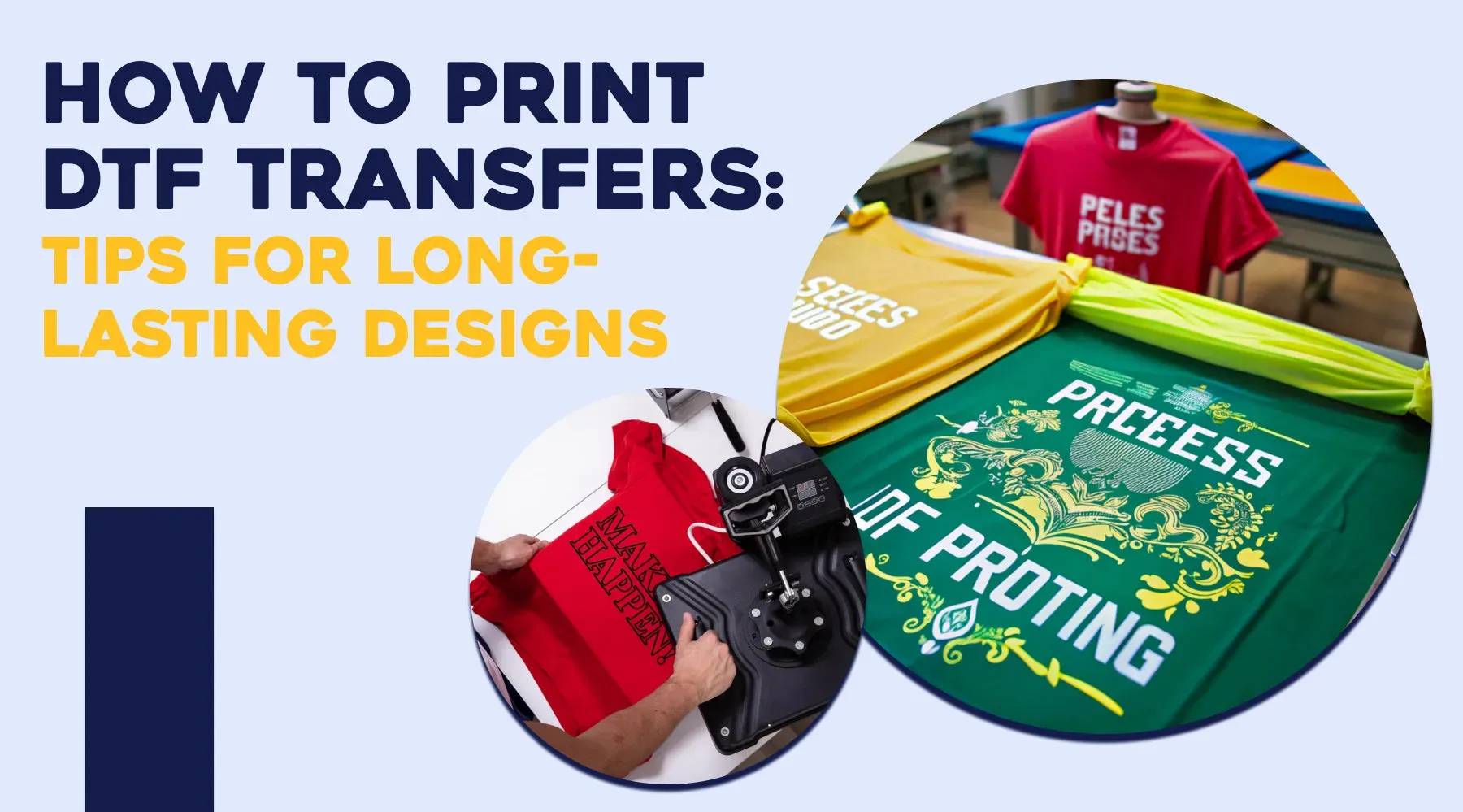
DTF printing tips are essential for anyone aiming to produce bold colors, soft hand-feel, and durable designs across a wide range of fabrics, and this introductory guide walks you through practical steps today. To optimize results, understand the DTF printing process from design to film to heat transfer, because each stage influences color fidelity, transfer adhesion, and overall durability, with practical tips for ongoing production workflows. A careful approach to DTF transfer quality means tuning ink density, underbase strategy, and powder adhesion, while testing media and settings to minimize misprints and ensure repeatable results. When selecting media and equipment, consider fabric types for DTF such as cotton, polyester, blends, and denim, since different substrates respond uniquely to color, gloss, and hand-feel. Finally, dial in heat press settings DTF and color management for DTF prints with swatches and test runs, then document successful configurations for future productions today.
This section introduces direct-to-film technology and its workflow as a film-to-fabric transfer method that enables vibrant, durable graphics on a range of garments. From concept to product, the discussion covers artwork preparation, substrate compatibility, and practical adjustments that influence print fidelity, adhesion, and the hand-feel of the finished item. By emphasizing substrate pairing, ink-film compatibility, and precisely calibrated heat, readers can achieve consistent color reproduction and wash-fast transfers across multiple fabrics. This overview also highlights common bottlenecks, quality checks, and efficient workflows that help teams move smoothly from design to wearable art.
Understanding the DTF printing process
Direct-to-film (DTF) printing is a three-stage workflow: design preparation, film printing with pigment inks, and heat transfer to the garment. In this context, the DTF printing process emphasizes vibrant color, fine detail, and a durable transfer that can work across a wide range of fabrics. Getting the basics right at each stage helps ensure consistent results and reduces misprints.
By aligning design, film quality, curing, and press settings, you improve the DTF transfer quality from the kickoff to the finished garment. When you control these steps, you’ll see less color shifting, sharper edges, and longer-lasting transfers, even on challenging fabrics like blends or denim.
Achieving optimal DTF transfer quality with practical DTF printing tips
DTF transfer quality hinges on a well-managed workflow: accurate underbase, careful powder application, and proper curing before pressing. Implementing DTF printing tips such as validating ink density, using calibrated settings, and testing on sample fabrics can dramatically improve results.
Develop a reproducible test protocol: print on swatches, compare color and edge definition, log the results, and adjust printer calibration, film choice, and powder adhesion accordingly. This disciplined approach reduces variability and speeds production.
Fabric types for DTF and how they influence results
DTF works on cotton, poly-cotton blends, polyester, denim, and even some synthetics, but each fabric type reacts differently. Cotton often yields bright color and crisp detail but can show dye migration if underbase or curing isn’t balanced. Polyester tends to maximize vibrancy but may require tighter powder adhesion and precise heat control.
Understanding fabric types for DTF helps you tailor settings such as underbase density, pressure, and pressing duration to preserve the garment texture while maintaining print fidelity. For heavy fabrics like canvas or denim, consider longer pressing, additional underbase coverage, or a second pass to ensure secure adhesion.
Color management for DTF prints
Color accuracy begins with artwork prepared in a color space compatible with your printer and inks, plus a robust color management plan for DTF prints. Using the printer’s native color profile and performing test prints on representative fabrics helps minimize shifts in reds, skin tones, and darks after transfer.
Workflow best practices include building a white underbase strategy for dark fabrics and performing calibration runs to align color density with your target. When you manage color carefully, your designs stay faithful from screen to garment.
Heat press settings DTF: temperature, time, and pressure by fabric
Heat press settings DTF are critical to locking in color and ensuring edge-to-edge adhesion. Typical starting points range around 305-320°F (150-160°C) with moderate to firm pressure for about 10-15 seconds, followed by a finishing cushion press for secure edge bonding. Adjustments are often required based on fabric type and film.
Always test on a small swatch before full runs. Lighter cotton blends may tolerate slightly lower temperatures, while polyester can handle higher heat with shorter dwell times. Document these fabric-based variations to maintain a consistent, repeatable process across production batches.
Troubleshooting, maintenance, and workflow efficiency for DTF
Even with careful setup, issues can arise that affect DTF transfer quality. Common problems include color fading after washing, white underbase gaps, powder not adhering, edge peeling, and color mismatches between screen proofs and final prints. A structured troubleshooting approach—validate curing, check ink quality, and verify press calibration—helps you diagnose quickly.
Maintaining the equipment and streamlining the process improves efficiency. Regularly cleaning print heads, keeping the powder hopper dry, and calibrating your printer reduce drift. Batch-by-batch workflow, standardized fabric-specific settings, and a documented color-management plan help you deliver consistent, market-ready DTF results.
Frequently Asked Questions
What are essential DTF printing tips for color management for DTF prints during the DTF printing process?
Start with a high-resolution artwork (300 dpi) and convert to the printer’s native color profile to minimize shifts. Use a white underbase on dark fabrics, profile inks, and run test prints on sample fabrics to adjust ink density. Calibrate the printer and monitor color density to maintain consistent color fidelity across production batches.
Which DTF printing tips help improve DTF transfer quality on fabric types for DTF?
Ensure proper powder adhesion and curing with your film and ink system, and verify film transparency and coating uniformity. Test different fabric types with small swatches to tailor pressing pressure and dwell time. Maintain consistent heat and pressure using a quality heat press to improve transfer quality across fabrics.
What heat press settings DTF should I use for common fabrics to optimize transfer quality?
Start with typical ranges around 305-320°F (150-160°C) with moderate to firm pressure for 10-15 seconds, then add a post-press cushion pass. Adjust temperature and dwell time based on fabric type (cotton blends vs. polyester) and always test on swatches to avoid scorching or ghosting. Use a teflon sheet to promote even heat distribution.
How do fabric types for DTF influence color accuracy and what tips apply to the DTF printing process?
Different fabrics absorb ink and heat differently: cottons often yield bright color and crisp detail, polyester may need careful powder adhesion and temperature control, and denim may require longer pressing. Build a fabric swatch library to establish per-fabric profiles, and include a white underbase on dark fabrics to preserve color fidelity.
What color management for DTF prints strategies are most effective in the DTF printing process?
Run a color-managed workflow: use the printer’s native color profile, soft-proof designs, and perform test prints on the same fabric type. Calibrate the printer, verify color density with calibration sheets, and adjust ink density to maintain accurate skin tones, reds, and darks after transfer. Evaluate proofs under consistent lighting to ensure fidelity.
What steps in the DTF printing process are most critical to achieve sharp details and vibrant colors using DTF printing tips?
From design to film, ensure high-resolution artwork, precise alignment, and a solid white underbase plan. Calibrate the printer and verify film quality for pinholes, apply powder evenly and cure it thoroughly, then press with correct temperature, pressure, and time for each fabric type. Slower print speeds can improve crispness, and running a calibration page before production helps maintain consistency.
| Topic | Key Points | Notes |
|---|---|---|
| Introduction to DTF | DTF is versatile for garment customization; aims bold colors, soft hand-feel, durable transfers across fabrics. | Foundation for tips. |
| DTF Printing Process (3-stage) | Design prep -> film printing -> heat transfer; pigment inks; powder on wet ink; cure before transfer; advantages: vibrancy and detail. | Consistency reduces misprints. |
| Equipment & Materials | Good DTF printer, compatible inks, high-quality film, reliable hot-melt powder; film transparency and coating; test media; log settings. | Test before large runs. |
| Artwork & Color Management | High-res source (≥300 dpi); color space per printer; native color profile reduces shifts; test prints on sample fabrics; white underbase for dark fabrics. | Skin tones and reds fidelity. |
| Printing Stage & Alignment | Underbase, color layers, top layer; align for precise placement; calibrate printer and platen; check pinholes/misregistration; adjust speed and ink density; slower speeds yield crisper details. | Balance speed with production needs. |
| Powdering, Curing & Prep | Powder applied to tacky ink; ensure full adhesion and proper curing; avoid flaking; warm or cold peel; warm peel common. | Curing prevents smudges. |
| Heat Press & Fabric Variations | Temperature around 305-320°F (150-160°C); moderate to firm pressure; 10-15 seconds; final cushion press; adjust by fabric (lower temp for light cotton blends, higher for polyester); test swatches; ghosting adjustments. | Fabric-specific tests essential. |
| Fabric Types & Influence | Cotton, poly-cotton, polyester, and denim respond well; cotton yields bright color but dye migration risks; poly requires adhesion and temperature tuning; delicate fabrics need lighter pressure; heavy fabrics may need longer pressing. | Tailor settings per fabric. |
| Troubleshooting & Remedies | Fading after wash; white underbase not covering; powder not adhering; transfer peeling at edges; color mismatch; remedies: curing, density, color management calibration. | Keep a log of fixes. |
| Maintenance & Workflow | Clean print heads; keep powder hopper clean; calibrate; document settings; batch processing. | Document workflow. |
| Post-processing & Care | Cool garments before handling; quality checks for alignment and color; advise customers on washing inside out, cold water, mild detergent, and low-heat drying. | Educate customers to reduce returns. |
| Practical Tips You Can Start Today | Create fabric swatch library; dedicated test rig; calibration sheet; save successful settings; maintain stable room humidity and temperature. | Build repeatable processes. |
Summary
DTF printing tips, when applied consistently, empower you to produce flawless designs on any fabric. By understanding the DTF process, selecting suitable equipment and materials, preparing artwork with color accuracy, and fine-tuning heat press settings for different fabrics, you can achieve reliable results that look great and endure the wash cycle. Practice, measure, and adjust, and you’ll develop a repeatable workflow that yields vibrant, durable transfers across a wide range of garment types. Align your process with fabric types for DTF and color management best practices to increase confidence in delivering high-quality, market-ready prints.